Drag to turn · Scroll to zoom
Your browser can't show the 3D view.
Choose your options on the right and send the design. A Lucio's Gold jeweller will build it with you.
Start from a look 10 presets
Stone
Shape
Gemstone
Direction
Setting
Head
Side stones
Accent stones
Band
Profile
Edge detail
Finish
Metal
Band metal
Karat applies to gold only.
Head metal
Choose a different head metal for a two-tone ring.
Fit and engraving
Canadian and US sizing. Not sure? We size your finger in store.
Look through the ring to read it. Up to 28 characters.
Scene
Studio
My designs
Saved in this browser only.
A design is a starting point, not a price or an order. We confirm stone availability, fit and a written quote with you.
Customize your engagement ring in 3D
Customize engagement ring choices in 3D with this engagement ring builder: shapes, gems, settings, bands, metals and engraving, then send the design to our Markham jeweller for a written quote.
How to customize an engagement ring in 3D
To customize an engagement ring, work down the designer above: pick a stone shape and stone, a carat size, a setting, a band, a metal and a ring size, then add an engraving if you like. The ring turns on screen as you choose. When you are happy, send the design to Lucio's Gold and ask for a written quote.
Nothing about the designer is a purchase. A customizable engagement ring begins as a brief for the jeweller, not a finished product. The ring on screen shows us what you imagine, clearly, before we sit down together, so your unique engagement ring is designed with you.
Many people search for a way to build your own engagement ring because they want to see it before it exists. This engagement ring builder gives you that view, from the glint of a diamond to the finish on the band.
The designer never shows a price. Cost depends on the real stone, the metal and the work involved, and we settle those with you. That is what the written quote is for, so you choose where cost matters most.
- Stone: shape, gem, carat and sparkle
- Setting: head style, side stones and accents
- Band: profile, width, thickness, edge and finish
- Metal: body metal and a separate head metal
- Details: ring size and inside engraving
- Send the design and request a written quote
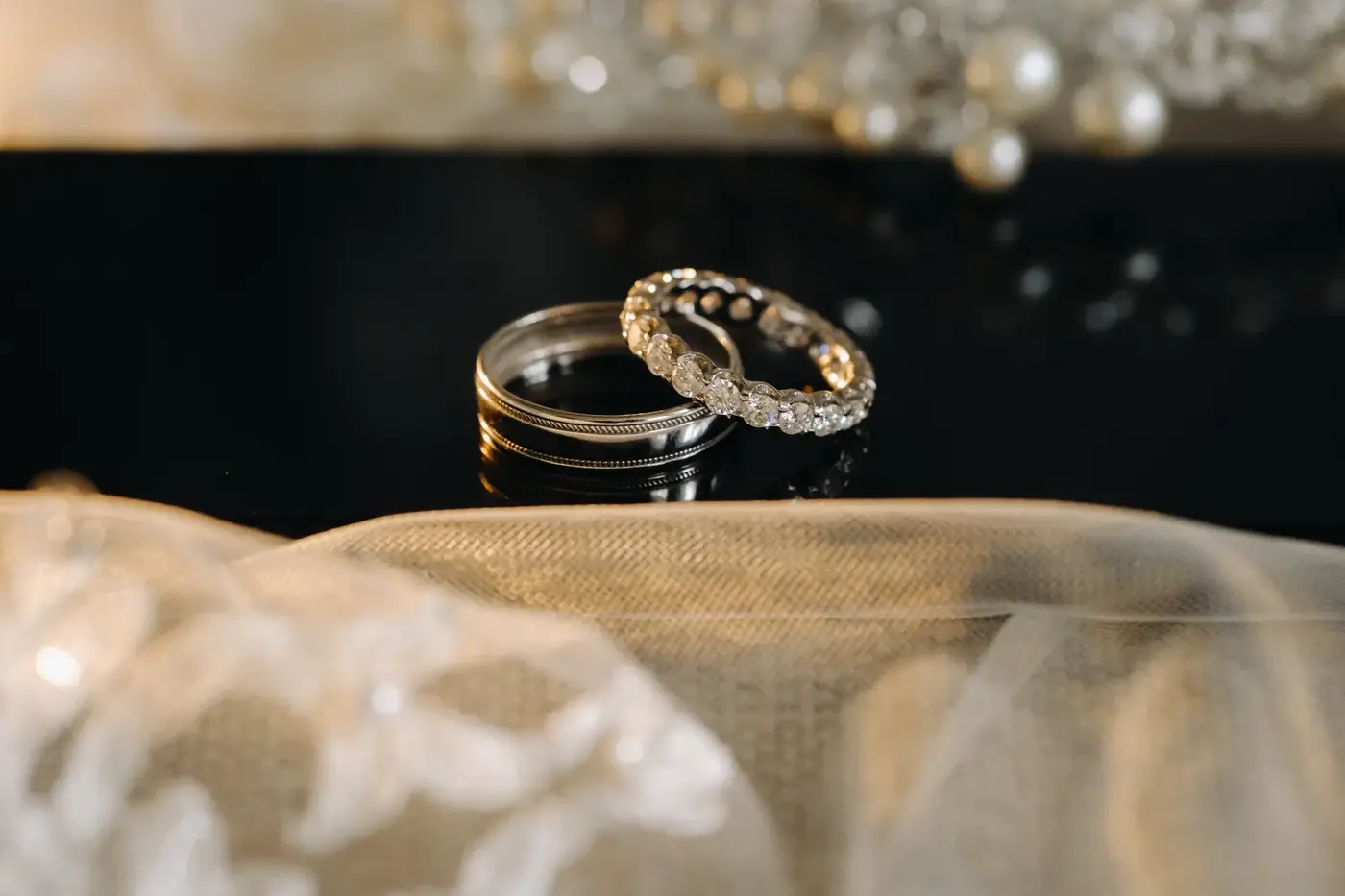
Choosing the stone shape, from round to baguette
The designer offers twelve stone shapes: round, oval, cushion, princess, emerald, pear, marquise, heart, asscher, radiant, trillion and baguette. Shape sets the personality of the ring. Round is classic and sparkling. Oval and pear look longer on the finger. Emerald and asscher have clean, graphic lines.
Round stones reflect light in every direction and suit nearly every setting. Marquise and pear shapes elongate the hand. Princess and radiant stones have sharp corners, which need prongs that protect them.
Elongated shapes can look larger than a round stone of the same weight, because the stone spreads across more of the finger. That is a visual effect, not extra size, and it is worth seeing on screen.
Try the east-west orientation too. Turning an oval, emerald or marquise sideways across the finger gives a modern, horizontal look. Read our engagement ring styles guide for more on how outlines and settings pair up.
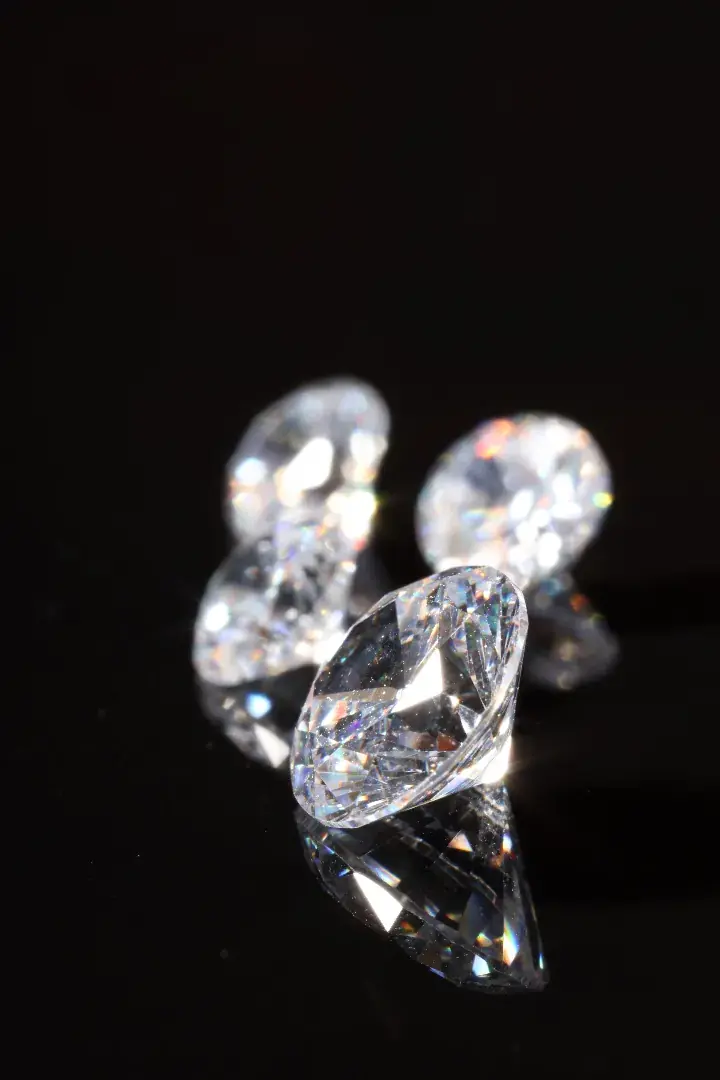
Choosing the gemstone: diamond or colour
The designer lets you change the stone itself. Choose from a diamond, champagne, canary, pink, blue or black diamond, moissanite, white, blue or pink sapphire, ruby, emerald, aquamarine, morganite, tanzanite, amethyst or peridot. Each shows its own colour and fire on screen, so you can compare before you decide.
Colourless diamond is the classic choice. Champagne, canary, pink and blue diamonds bring colour while keeping a diamond's brilliance. Black diamond is dark and graphic.
Moissanite is a bright, colourless alternative. Sapphire, ruby, emerald and aquamarine bring a clear jewel colour. Morganite is soft and pink, tanzanite is violet blue, amethyst is purple and peridot is green.
Stones differ in hardness, and the softer ones need more care in daily wear. Tell us how the ring will be worn and we will talk it through. We supply lab-grown and natural diamonds, and our guide to lab-grown diamond rings explains the difference.

Choosing the carat size and the sparkle
Carat is a measure of weight, not size. One carat equals 200 milligrams. The designer lets you slide carat from 0.3 to 5 and watch the stone grow on the hand. A fire and sparkle slider then shows how lively the stone looks. Weigh carat against cut quality.
Many people chase carat, but cut often does more for the beauty of a stone. A well-cut diamond returns light with life. A poorly cut one of the same weight can look dull. That is why we hand-pick diamonds with the highest-quality cuts.
The diamonds in the designer are ray-traced, so you see real fire, the flashes of colour inside the stone. Real stones vary, so treat the on-screen size and sparkle as a guide for conversation.
Our diamond 4Cs guide explains carat, cut, colour and clarity together. To see real stones, browse our loose diamonds page. We spend time explaining quality versus cost, so ask as many questions as you like.
Choosing the setting and side stones
The setting is the metalwork that holds the stone. The designer has nine: four prong, six prong, bezel, halo, double halo, hidden halo, three stone, toi et moi and tension. Pick the setting for the look you want and for how you live. Then add side stones and accent stones.
Four and six prong settings lift the stone and let light in from every side. A bezel wraps the stone in metal and sits low, which suits working hands. A halo surrounds the centre stone with small ones, and a double halo repeats the idea. A hidden halo tucks the ring of small stones under the main stone, so it shows only from the side.
A three stone ring has a sense of story. Toi et moi sets two stones side by side, often in different shapes. A tension setting holds the stone with pressure from the band, so it seems to float.
Side stones add detail to the shoulders. Choose pavé shoulders for a band of tiny stones, or baguettes for clean straight lines. You can also choose the accent stones. Ask the jeweller how many prongs there are and how the stone is protected.
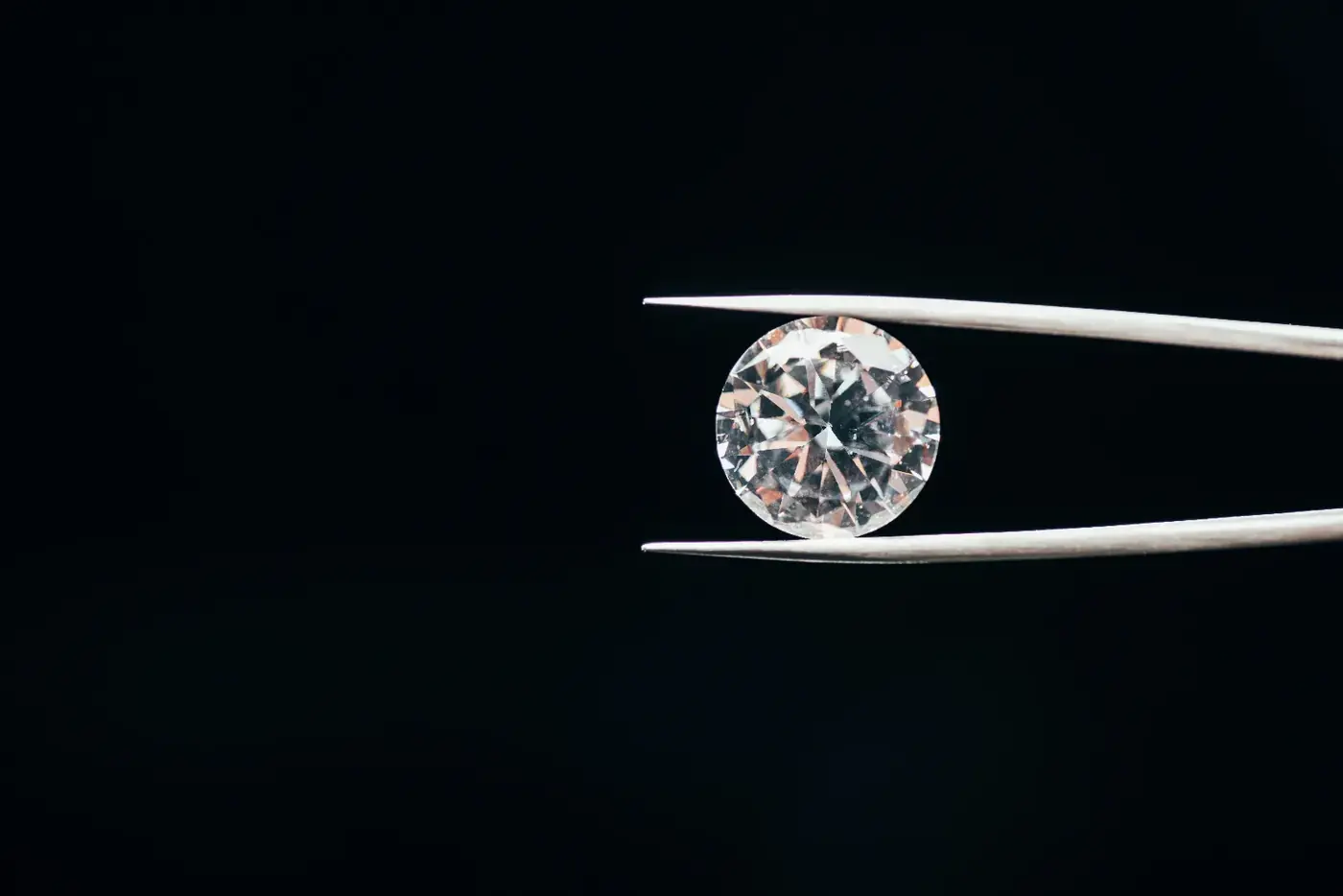
Choosing the band: profile, width and finish
The band is half the ring. The designer offers ten profiles: classic, tapered, cathedral, pavé, channel, eternity, flat, knife edge, twist and split shank. Width and thickness sliders change how bold it looks. You can add a milgrain edge and choose a finish: polished, satin, hammered, matte or antique.
A tapered band narrows toward the finger. A cathedral band rises in arches to hold the stone. A pavé band is set with small stones, and a channel band sets them flush. An eternity band carries stones all the way round.
A flat band is modern, a knife edge comes to a ridge, a twist winds around the finger and a split shank divides near the stone. Width changes the feel. Thickness changes how the ring wears and how heavy it feels.
Finish changes the mood. Polished is bright, satin is soft, hammered is textured, matte is quiet and antique is darker in the recesses. Milgrain adds a row of tiny beads along the edge. Our wedding bands can match any of these.
Choosing the metal and a head metal for two-tone rings
The designer has eight metals: yellow, white and rose gold, each in 10K, 14K, 18K or 22K, plus platinum, palladium, sterling silver, black rhodium and titanium. A separate head metal lets you make a two-tone ring. Choose the colour you like against your skin, then ask about hardness and care.
Gold is sold by karat. 10K is about 41.7 percent gold, 14K about 58.3 percent, 18K is 75 percent and 22K about 91.7 percent. Higher karats are richer in colour and a little softer.
White gold is usually finished with a bright coating that can wear over time. Platinum and palladium are naturally white. Sterling silver is bright and softer, titanium is light and black rhodium is dark. Read our guide to white gold versus platinum.
A two-tone ring sets the head, which holds the stone, in one metal and the band in another. White prongs on a yellow band are a classic example. Try combinations in the designer, then come and try the real thing on your hand in store.
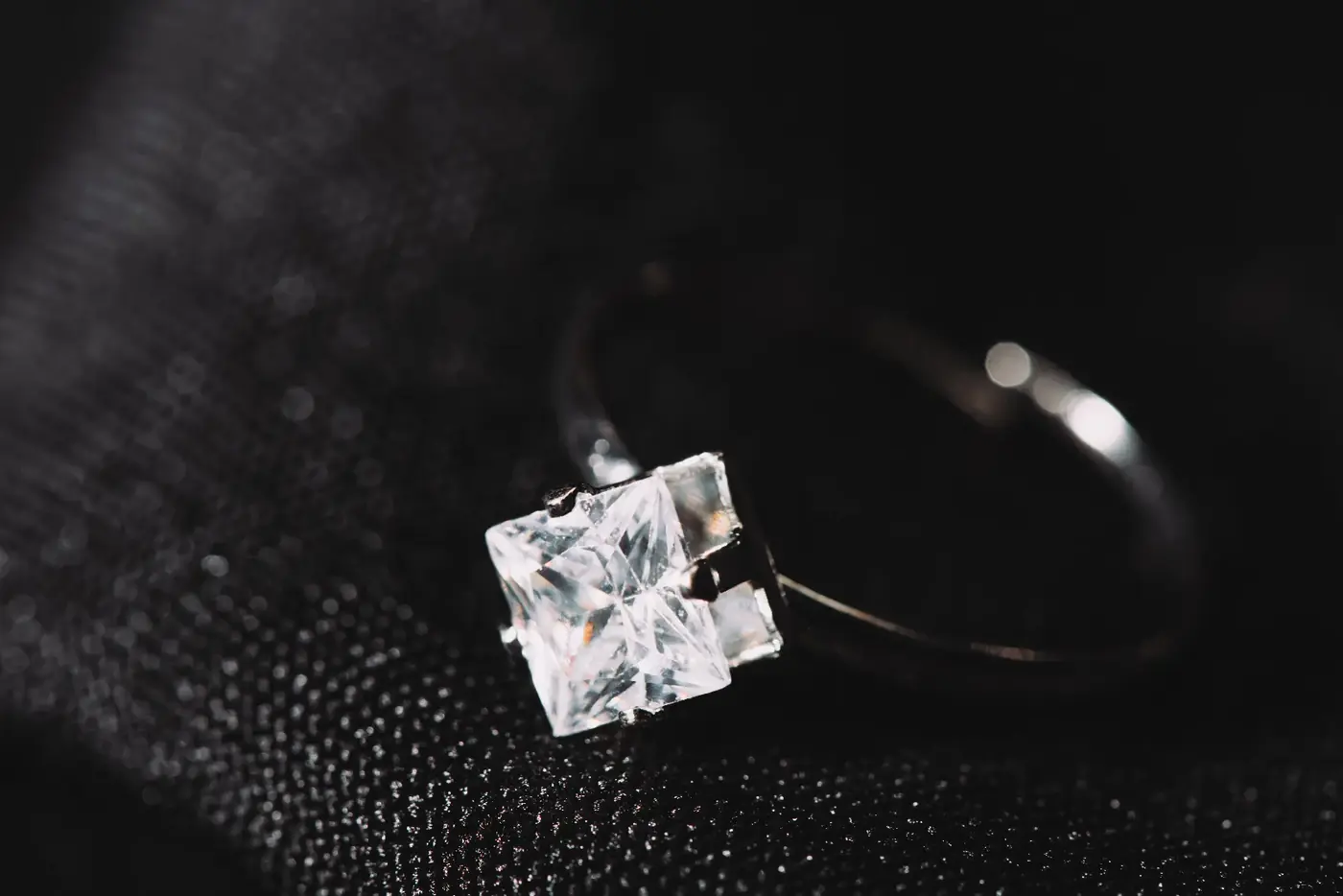
Ring size, engraving and a ring that fits
Choose the ring size by measuring the finger the ring will be worn on, ideally later in the day. Add an inside engraving of up to 28 characters, the private line only the wearer reads. Then send us the design, and we will confirm the fit on a real hand when you visit the shop in Markham.
Fingers change with heat, cold, time of day and activity. Measure more than once, on different days. Wide bands feel tighter than narrow ones, so a broad band may need a slightly larger size.
If you do not know the size, enter your best estimate and note that it needs checking. We resize rings, and our page on ring resizing explains how. Our guide on how to find your ring size shows simple methods at home.
Engraving is the private part of a ring, the line only the wearer ever reads. Twenty-eight characters fit a name, a date or a short phrase. Write it out and count before you commit, since spaces count too.
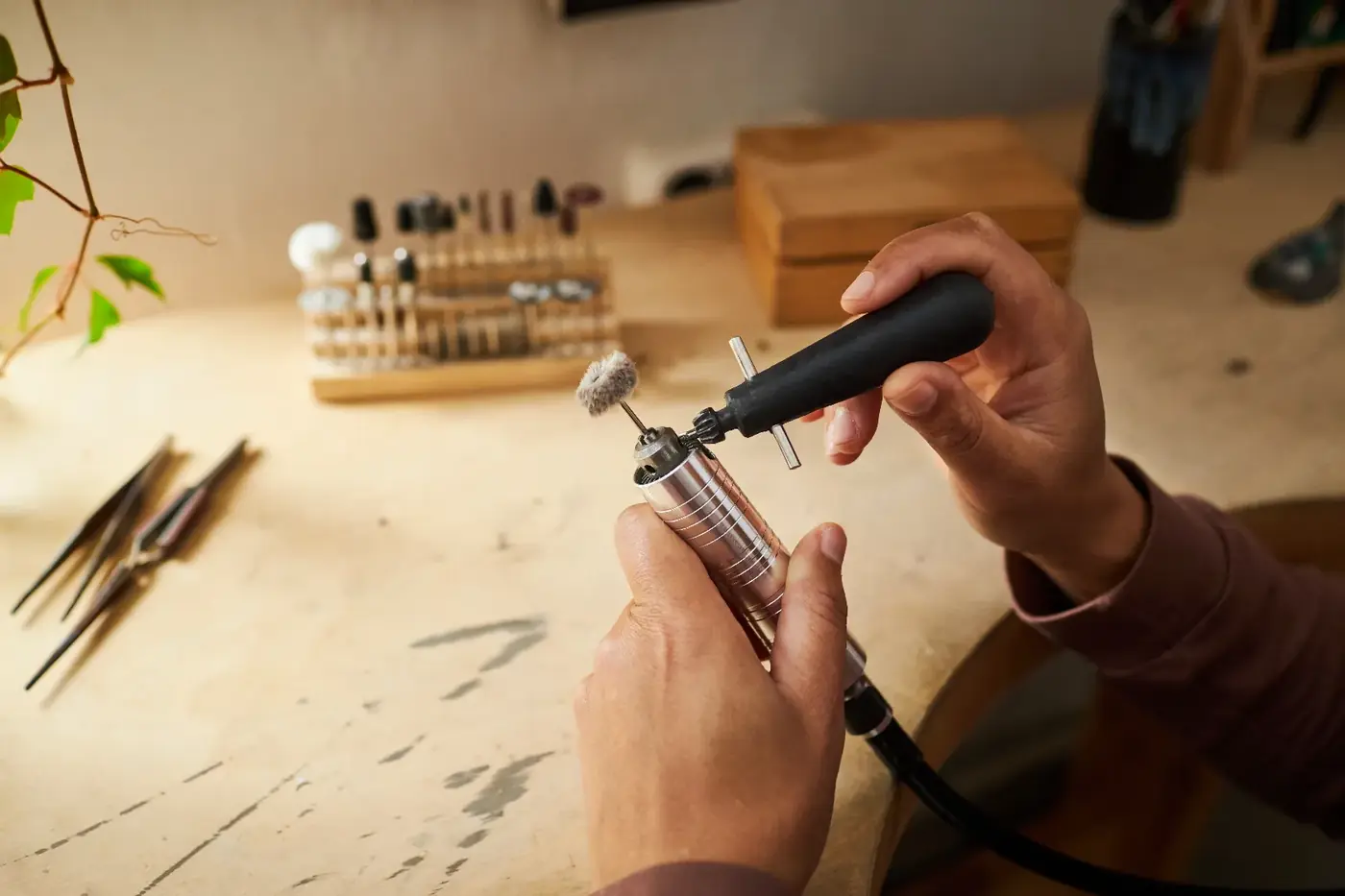
Studio tools: scenes, presets, photos and video
The designer has tools to help you look and decide. Five studio scenes (Noir, Daylight, Velvet, Marble and Sunset) change the light. Ten preset looks give you a starting point. A Surprise me button tries a random design. Undo and redo let you step back, and a full screen mode fills the display.
Switch scenes to see how the stone behaves. Daylight is closest to how you will see the ring outdoors. Noir and Velvet are dramatic. Marble and Sunset warm the metal.
Save designs in your browser and compare them later. Download a photo of the current view, or record a six-second 360-degree video that turns the ring all the way round. Copy a shareable design link to send to someone whose opinion you value.
If your device runs slowly, use the Studio quality switch to lighten the load. Saved designs live in your own browser, so they stay on your device. Whatever you save, the design only becomes a request when you send it to us.
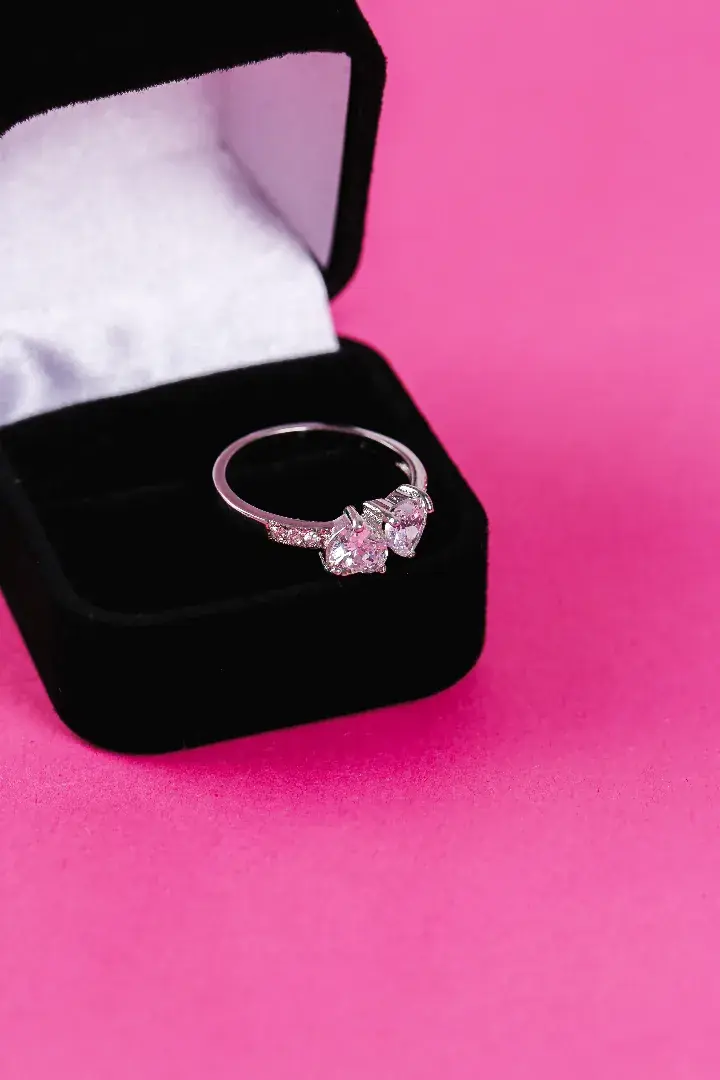
From a digital design to a made ring
A digital design becomes a made ring through conversation, stone selection, construction and fitting. The jeweller reads your design, talks through what is possible, and works toward a real ring. We start with your choices and refine them together in person.
Your design tells us the shape, stone, setting, band, metal and size. It does not tell us your story. That comes in the meeting, when we ask about the wearer and the lifestyle. You can build your own engagement ring on screen, and we build it for real.
Next comes the stone. We hand-pick diamonds with the highest-quality cuts, and we talk through quality versus cost. You are welcome to compare stones elsewhere. We encourage you to shop around.
After agreement, the ring is built, set and checked for fit. Expect to see it before you take it, and to try it on with us beside you. We do not state timings here, because every ring is different. If you want a written value for a ring or stone you own, we write jewellery appraisals.
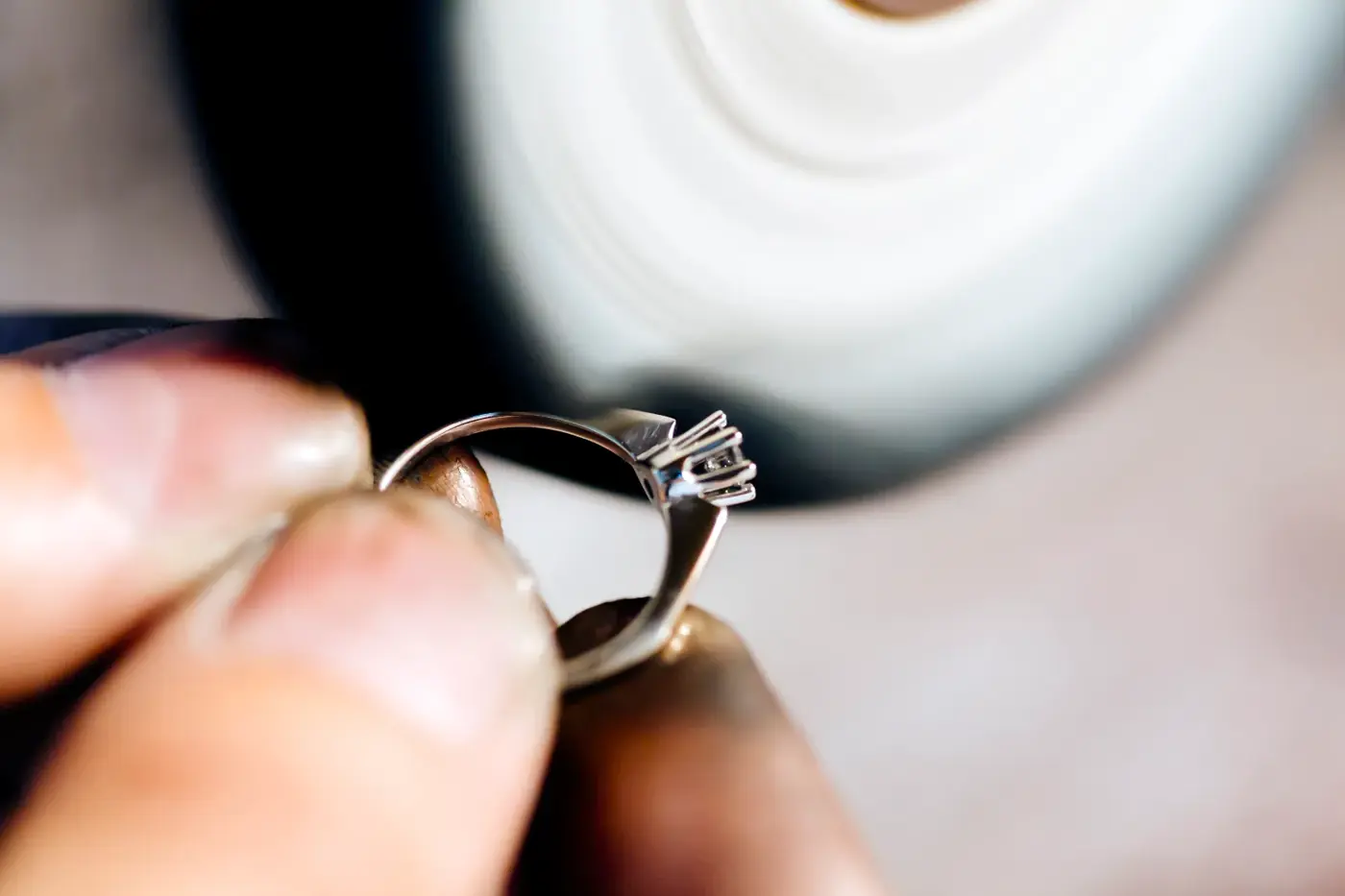
How the written quote request works
When you finish, send the design to the jeweller and ask for a written quote. We read your choices and reply with a quote for the ring you described. The designer never shows a price, and sending a request is a conversation starter, not a commitment to buy.
Add your name and a way to reach you. Mention anything the designer cannot show, such as a stone you already own, an engraving idea or a date you are working toward. A family stone can often be set in a new ring, and we will look at it with you.
We may follow up with questions. A carat size on screen can be met in several ways with different stones. We will talk through those options with you.
If you would rather talk first, call (905) 475-1702 or visit 7800 Woodbine Ave in Markham. Our Markham service area page describes the neighbourhood, and our custom jewellery page covers the wider custom process.
Matching bands and what comes next
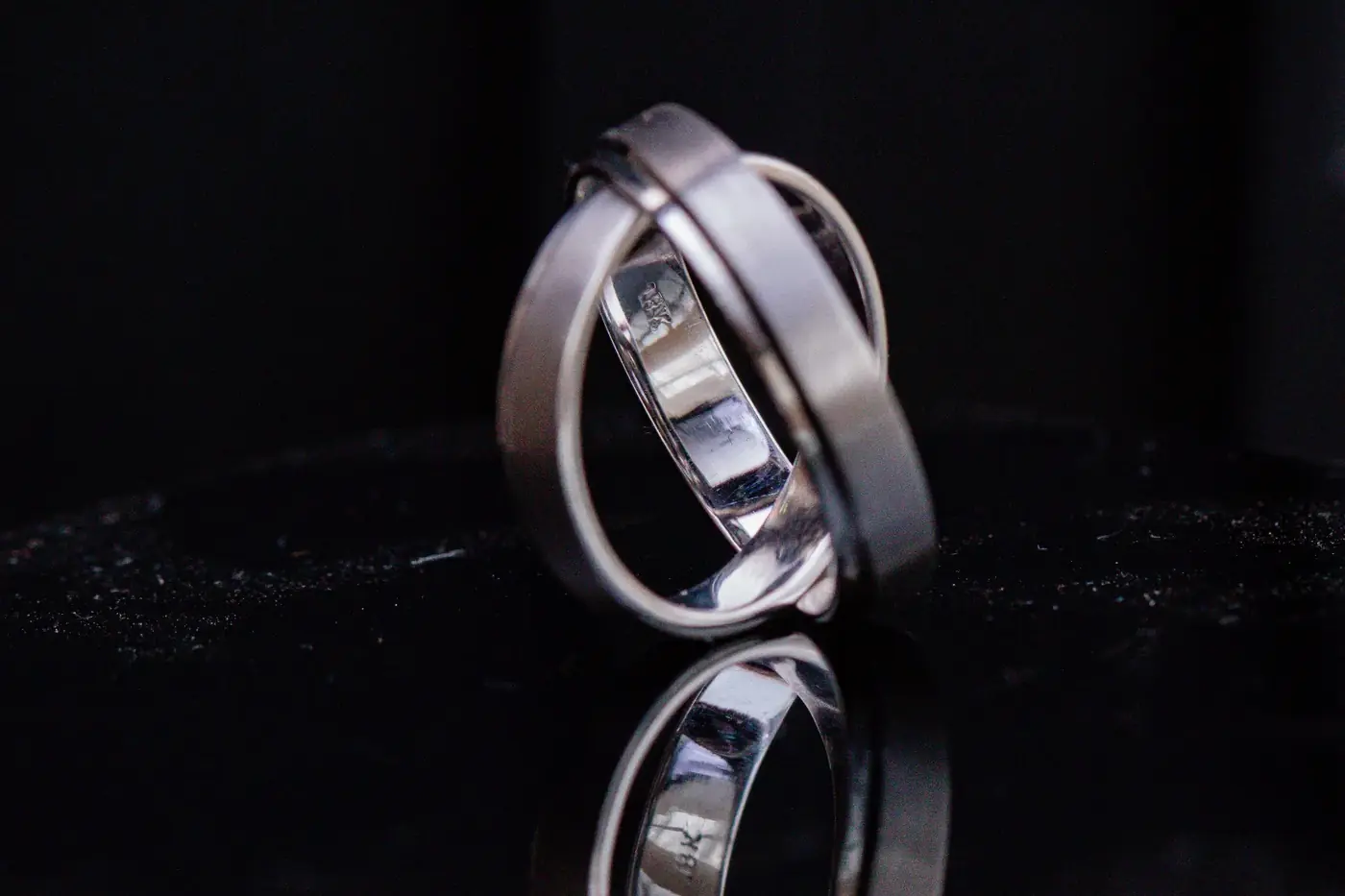
Think about the wedding band while you design the engagement ring. A band that sits flush against a high setting needs a shaped fit. A straight band suits a lower setting. Designing both together avoids gaps and keeps the metals consistent in colour.
Our wedding bands can be made to match your ring in metal and finish. Bring the design, or bring the ring, and we will look at how the two sit together.
You can also browse our engagement rings page to see how we approach custom work in general. Or see everything we do on our services page.
Not sure where to start? Skip the builder, bring a photo or a sketch, and call (905) 475-1702 to customize an engagement ring in conversation instead.
Questions, answered
How do I design your own engagement ring here?
Work down the 3D designer: choose a stone shape and gem, carat, setting, band, metal and ring size, then add an engraving if you like. The ring turns on screen as you choose. When you are happy, send the design to Lucio's Gold and request a written quote.
Does the engagement ring builder show a price?
No. The designer never shows a price, because the cost depends on the real stone, the metal and the work involved. After you send your design, we prepare a written quote for the ring you described. Call (905) 475-1702 if you would like to talk through budget before you start.
Can I customize an engagement ring without buying anything?
Yes. Customizing a ring in the designer is not a purchase. Sending a design is a request for a written quote, not an order. You can design as many rings as you like and send one or several. Nothing is made until you and the jeweller have agreed on the details.
Can I build my own engagement ring around a stone I already own?
Tell us about it in your request. A family stone or an existing diamond can often be set in a new ring, and we will look at it with you at the shop. Bring the stone when we arrange a visit. We write jewellery appraisals too, if you would like a written value.
What can I change in a customizable engagement ring?
You can change the stone shape, with east-west orientation, the gemstone, carat and sparkle, the setting and side stones, the band profile, width, thickness, edge and finish, the metal and a separate head metal, the ring size and an inside engraving. Ten preset looks give you a starting point.
Can I save my design or share it?
Yes. You can save designs in your browser, download a photo, record a six-second 360-degree video, and copy a shareable design link. Saved designs stay in your own browser. None of this sends anything to us. Only the request for a written quote does.
What if I do not know the ring size for my customizable engagement ring?
Enter your best estimate and note that it needs checking, or ask a friend to measure a ring the wearer already owns. Measure later in the day, when fingers are at their usual size. We measure precisely in store, and because we resize rings, a ring can be adjusted afterwards.
What can I engrave inside the ring?
You can add an inside engraving of up to 28 characters, such as a name, a date or a short phrase. Count spaces as characters. Check spelling before you send the design, and tell us if the wording needs anything special.
Do I need to use the designer before visiting the shop?
No. The designer is optional. You can call (905) 475-1702 to arrange a visit and talk from a blank page, or bring a photo you like. Many people enjoy designing on screen first because it gives them words and pictures for the conversation.